
Google Drive folders
Every receipt file lands in your own Google Drive under a clear financial-year folder.
Capture receipts on your phone, save the files to Google Drive, and keep a Google Sheets register for every financial year.
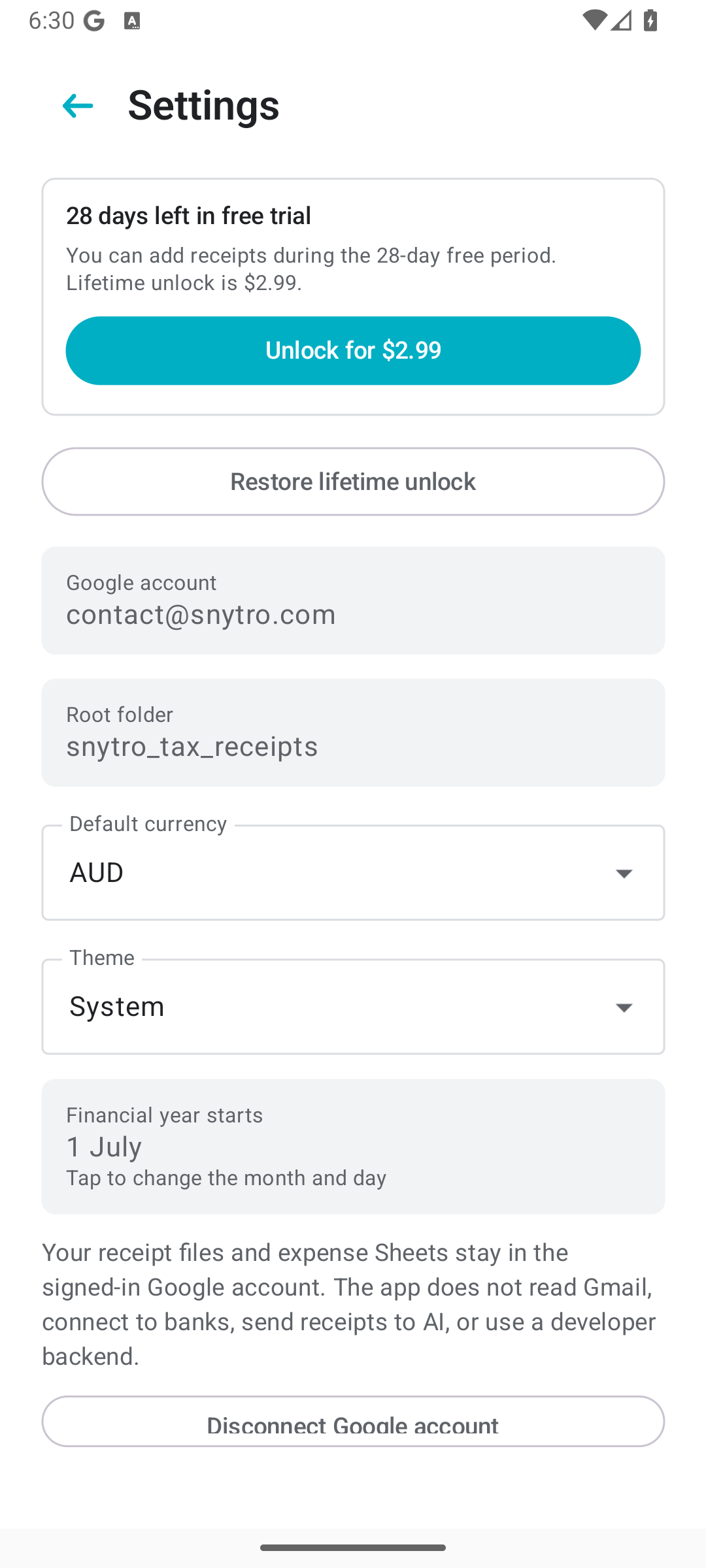
28
day free trial
$2.99
lifetime unlock
0
bank connections
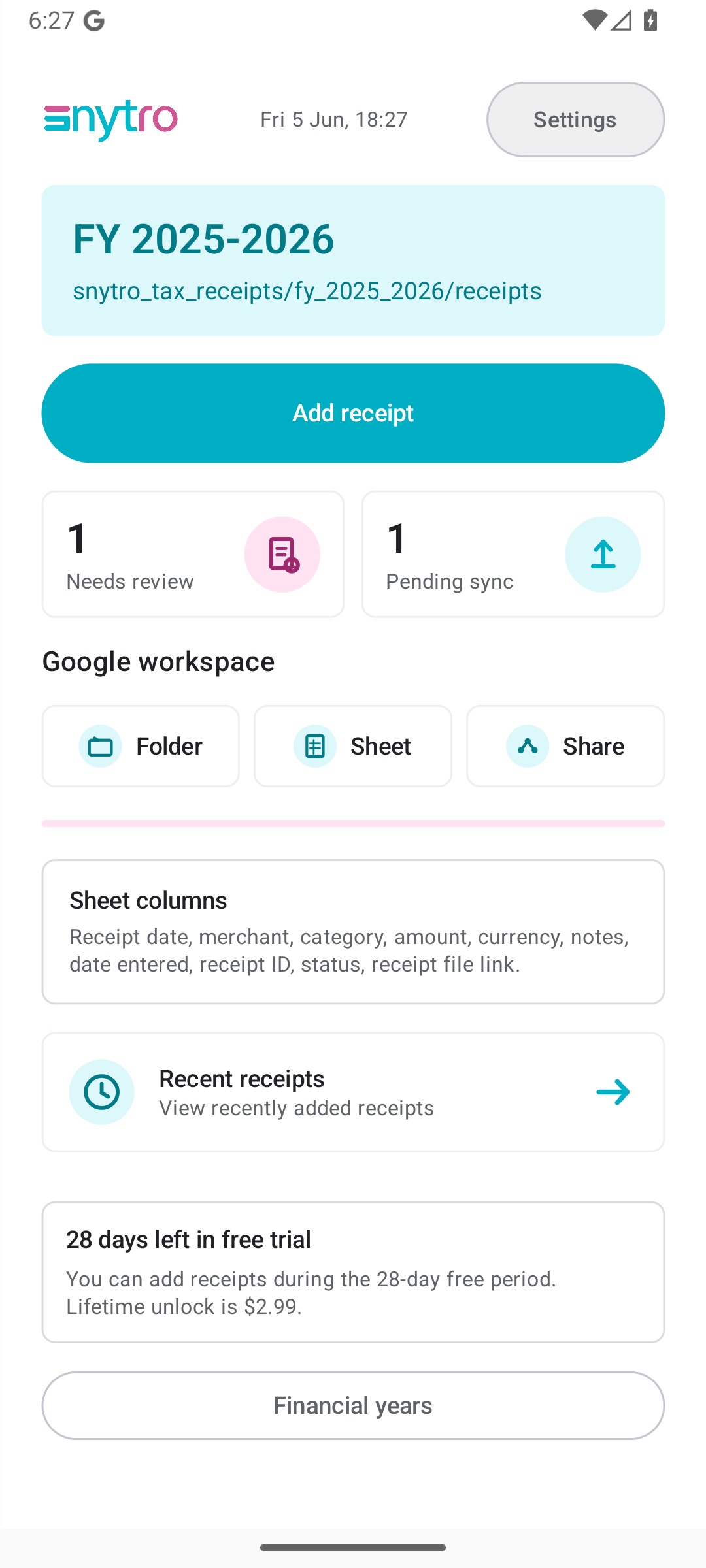
Live workflow
Photo, image, or PDF. You approve the final details.
Every receipt file lands in your own Google Drive under a clear financial-year folder.
Receipt date, merchant, category, amount, currency, notes, IDs, and file links are written to a Sheet.
Share one financial-year folder with your tax agent instead of searching messages, downloads, and camera roll.
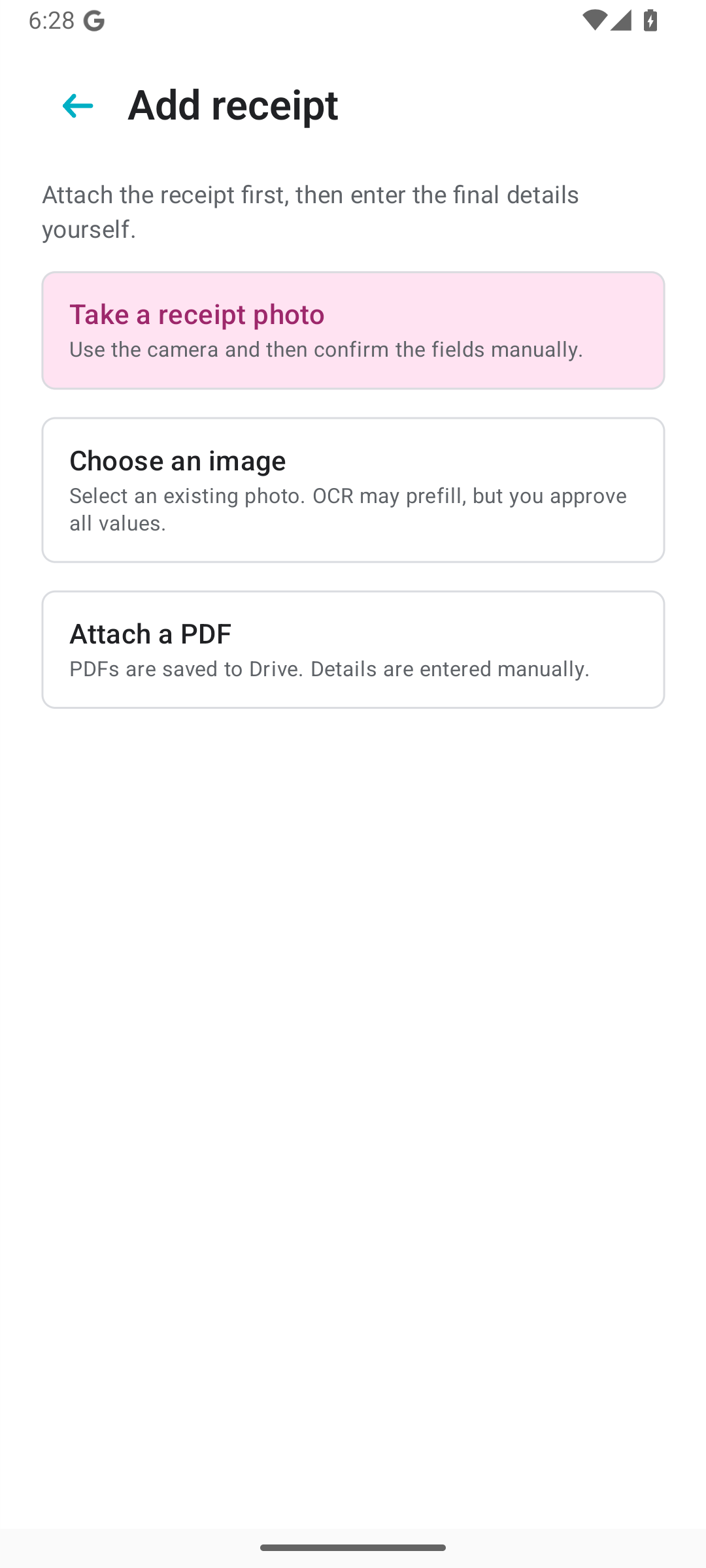
Capture
Use the camera, then confirm the receipt fields yourself.
Attach a saved receipt photo from your phone.
Save PDF invoices to Drive and keep the details in Sheets.
Review
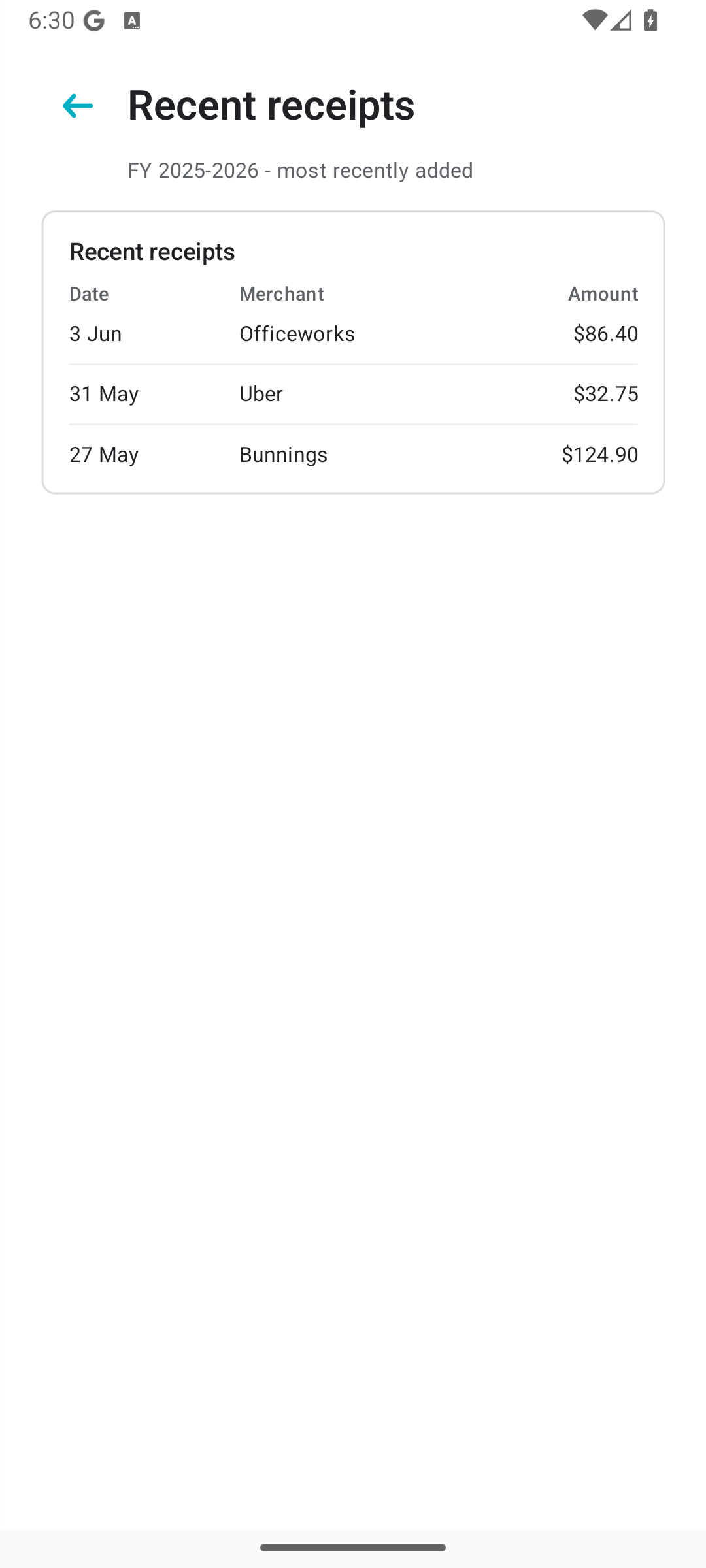
The app keeps a simple recent receipt view and writes the details you need into a Sheet. It is designed for checking and sharing, not replacing your accountant.
Folders
Snytro Receipts organises files by financial year in Google Drive. When your tax agent asks for receipts, you already have the folder structure.
Example Drive path
snytro_tax_receipts/
  fy_2025_2026/
    receipts/
    Receipt Summary FY 2025-2026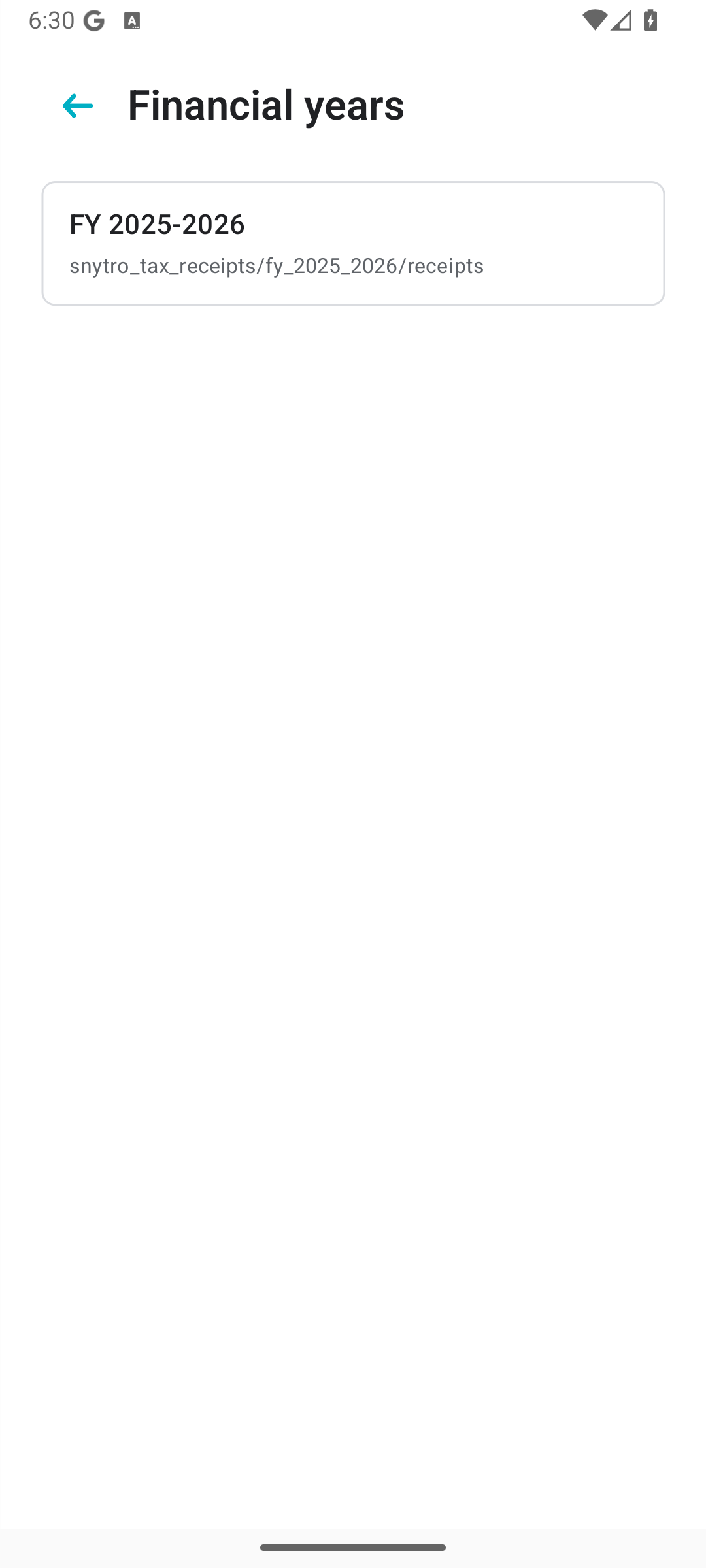
Private by design
Receipt files and expense Sheets stay in the signed-in Google account. The app is intentionally narrow: receipt capture, Drive storage, Sheet summaries, and sharing.
Read the privacy policyDrive files and Sheet summaries are stored in the account you sign in with.
The workflow is scoped to Drive and Sheets actions needed by the app.
The app does not send receipts to large language models.
You decide when to share the financial-year folder with your adviser.
Pricing
28 days
Try the receipt workflow before unlocking.
$2.99
One purchase through Google Play.
Made for
Snytro Receipts is a receipt organisation tool. It is not accounting software, tax lodgement software, legal advice, financial advice, or tax advice.
Users are responsible for checking receipt details and confirming tax requirements with their tax agent or adviser.